itch.io gives you views, downloads and revenue. Itch Toolkit adds the parts that actually move them — which tags you can realistically rank for, whether a project got dropped from search, AI title & tagline ideas on the edit page, live tag popularity as you type, and page tools that make people click download. It all runs inside itch.io.
Nothing here is a complaint about itch — it's a store, not an analytics company. But if you're actually trying to grow, you hit the same walls every week.
Every tool here exists because the default dashboard couldn't answer a question I actually had while shipping 36 projects.
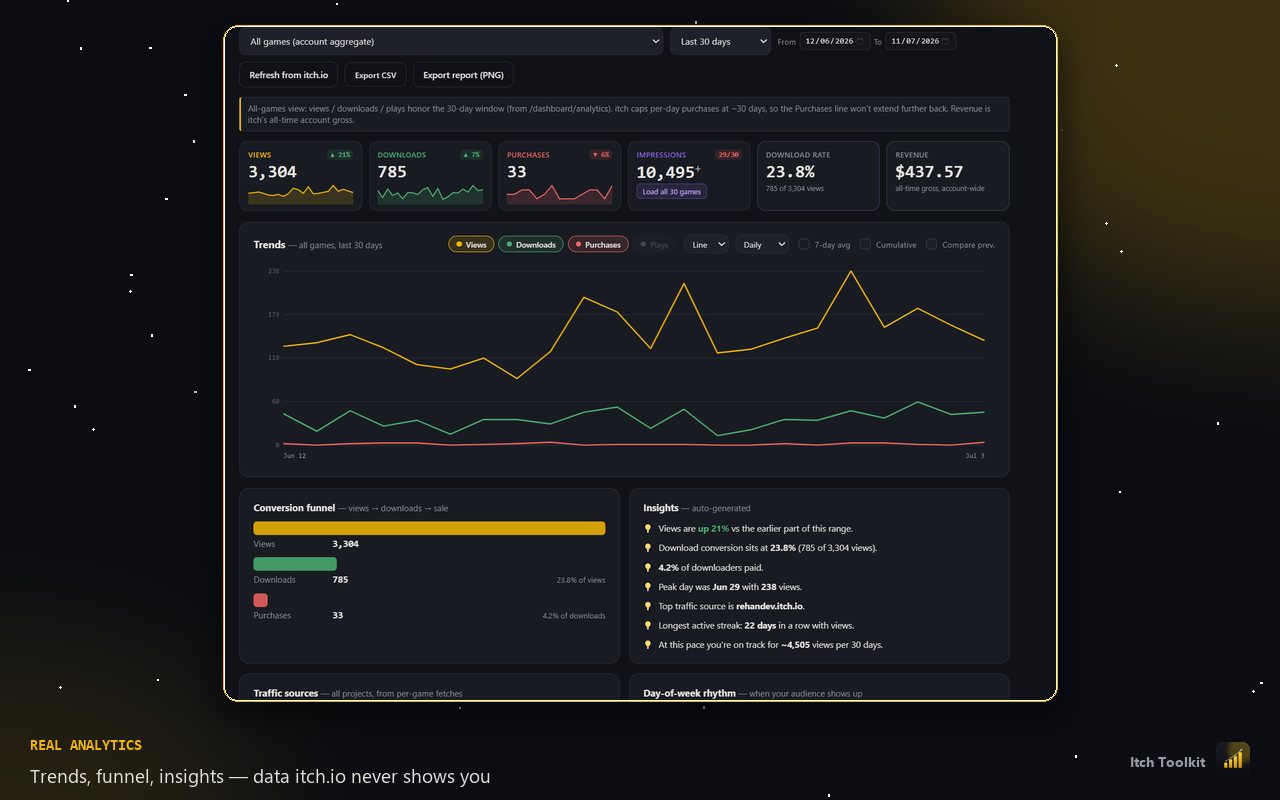
Interactive trends, custom date ranges, a views → downloads → sales funnel, traffic sources and a portfolio leaderboard. The stuff a store page never shows you.
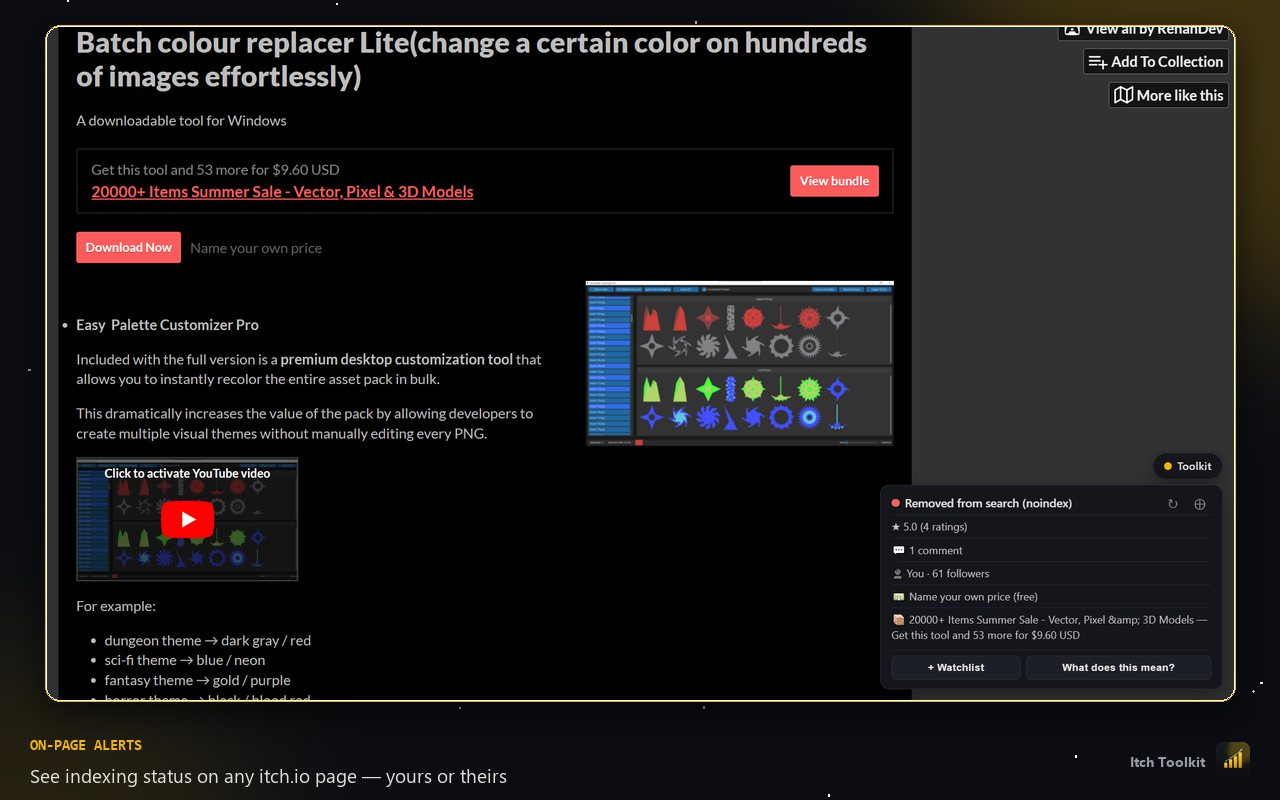
itch can drop a project from search and browse without a word. Toolkit reads each page's own robots tag, badges it, and warns you the day it changes.
Desktop pings for new downloads, sales, ratings and bundle changes, plus a Monday summary. Opt-in, checked on your schedule.
See what a bundle is really worth — per-item prices pulled from every project, total value against the bundle price, sales and views in one place.
Every payment itch has ever taken, read from your own dashboard — including bundle sales, which the per-project counter silently leaves out. Pie charts by country and by project, with revenue splits handled so co-op bundles don't skew the totals.
Every unanswered comment across your whole catalogue in one list, oldest first, with the urgent ones flagged. Ratings roll up per project and across the catalogue, weighted properly.
What a sale or bundle actually earned while it ran — contributors, average contribution, progress against the goal — instead of a number that vanishes when it ends.
Your watchlist, starred tags and settings follow you between machines. Analytics stay local — they're never uploaded.
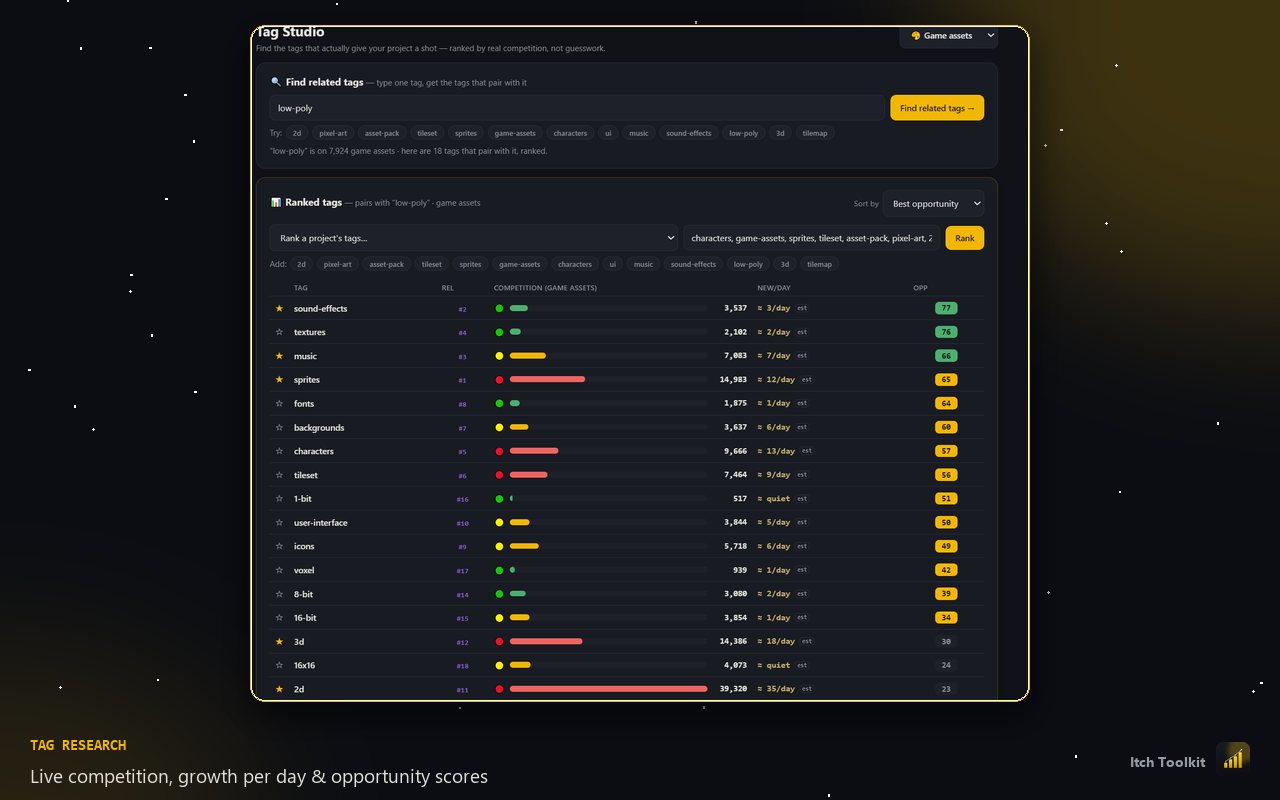
For every tag: how many projects already use it, how fast that number is growing per day, which tags it pairs with, and an opportunity score ranking where you can realistically get seen. Copy the shortlist straight into itch's tag field.
Star the tags you reuse, then drop them in with one click from a panel inside itch's own editor — on existing projects and brand-new uploads.
Auto-build a "more from this creator" grid from your own catalogue — covers, links, price badges — so every page feeds the next one.
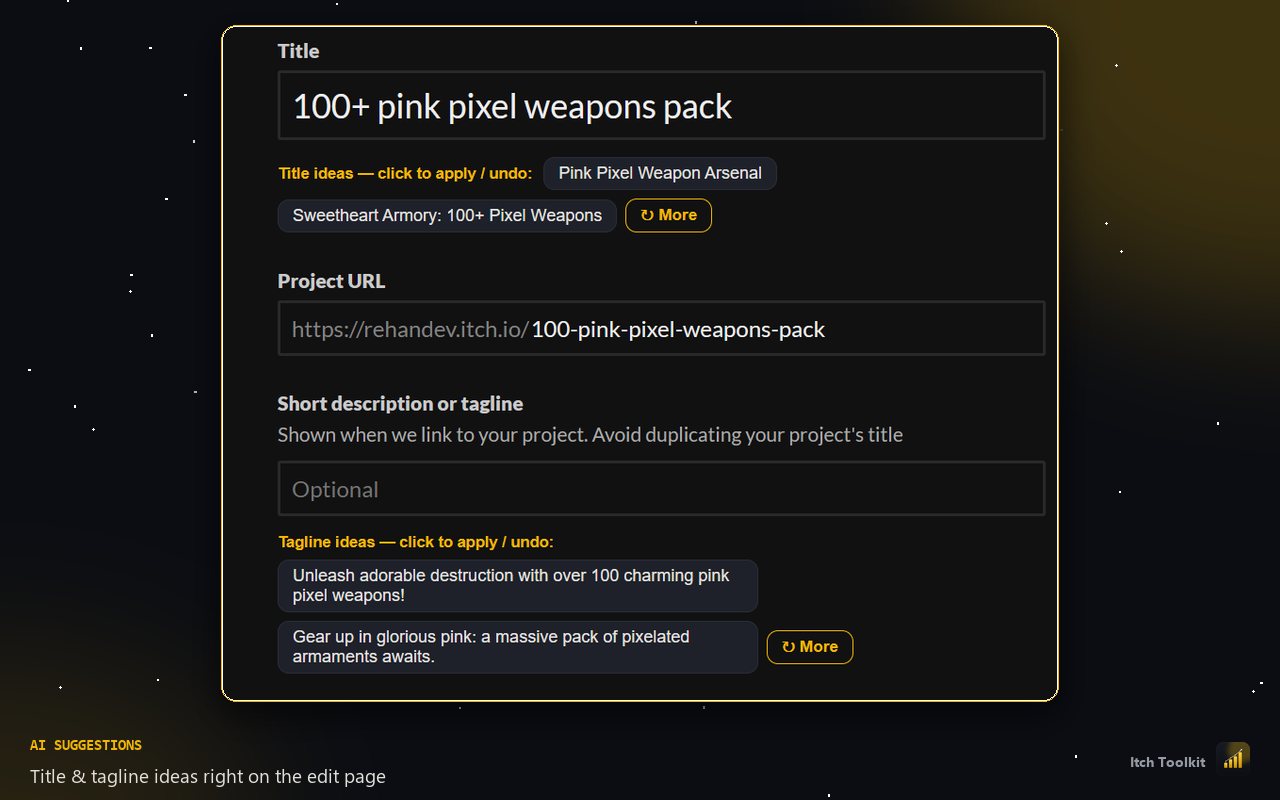
Generates project titles and short taglines from your own page, right on the edit screen. Click one to apply it, click again to undo, hit "More" for fresh ideas — for when the name you've stared at for a week stopped making sense.
Track any project or bundle — yours or someone else's — and watch how their numbers, price and indexing move over time.
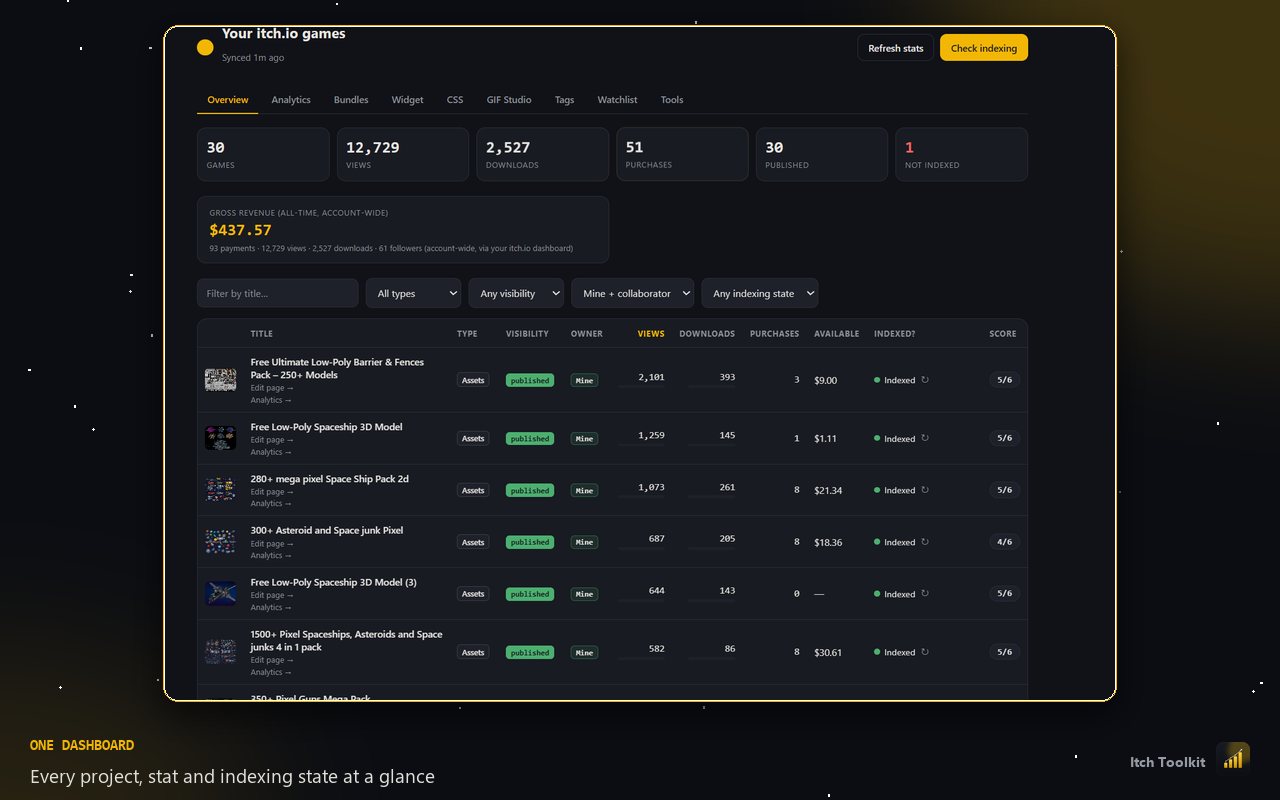
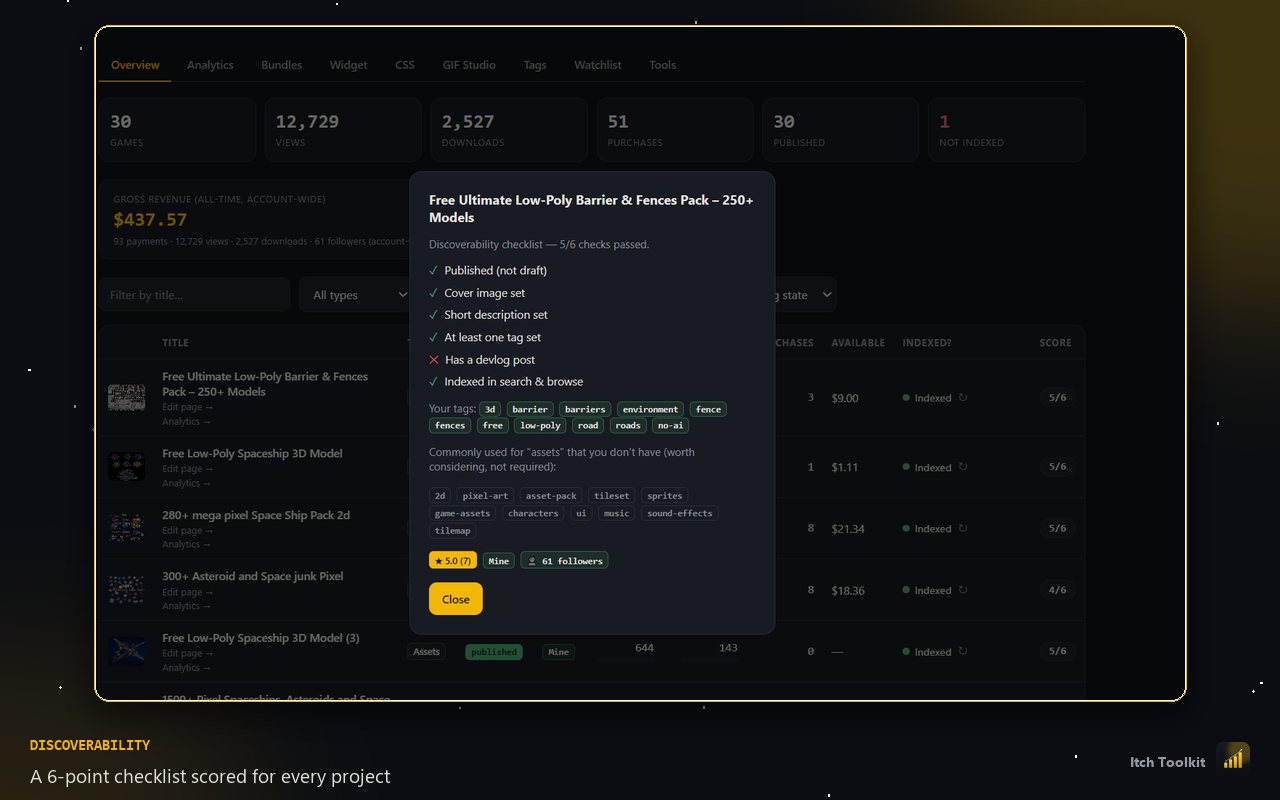
A six-point check per project — cover, tags, description, devlog, indexing — so there's always an obvious next fix.
Sorts your projects by how long since you last touched them, so the ones going quiet are obvious before the algorithm notices.
While you're typing tags into itch's own picker, every option shows how many projects already use it — split by games, assets and tools — so you can tell a 300k-project tag from a 900-project one before you commit.
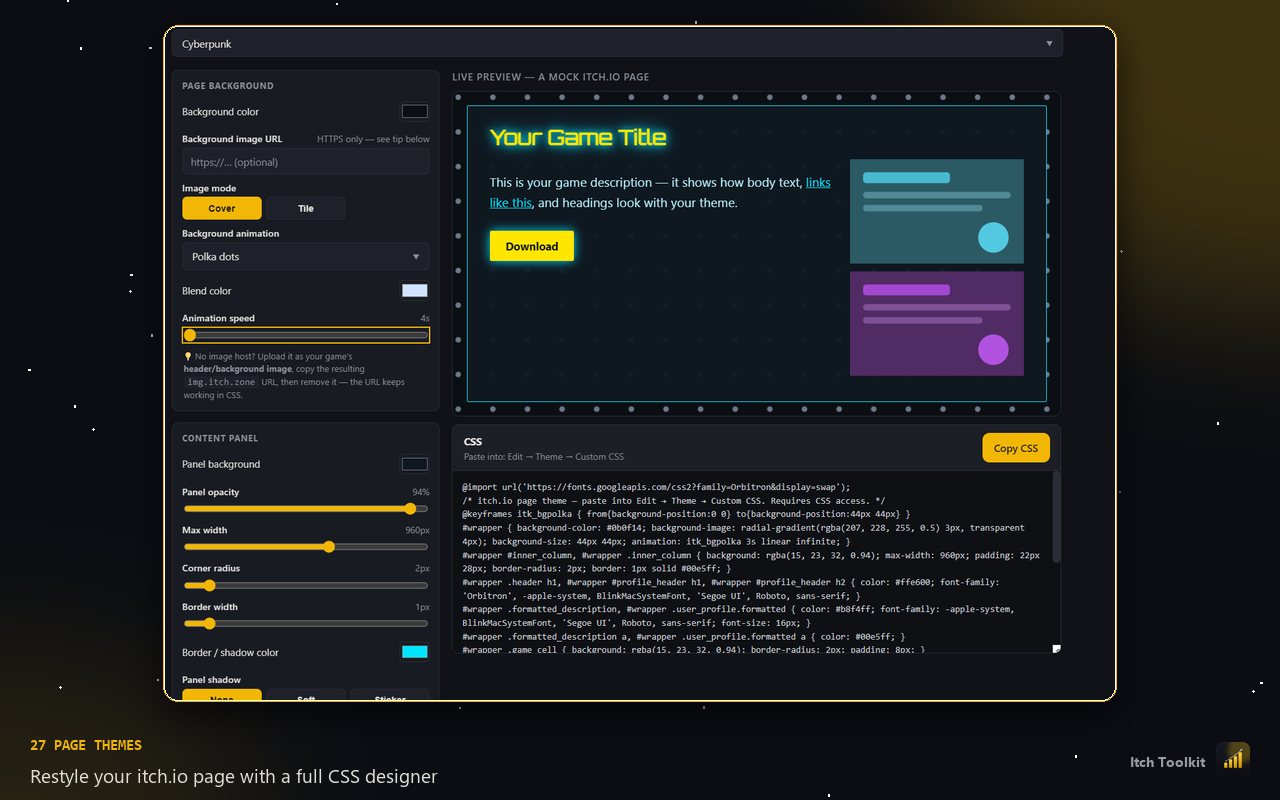
32 themes and 32 animated backgrounds, separate live previews for project pages and profiles, custom buttons, card hovers and a scrollbar designer. Save your own themes and they sync across machines. Copy one block of CSS.
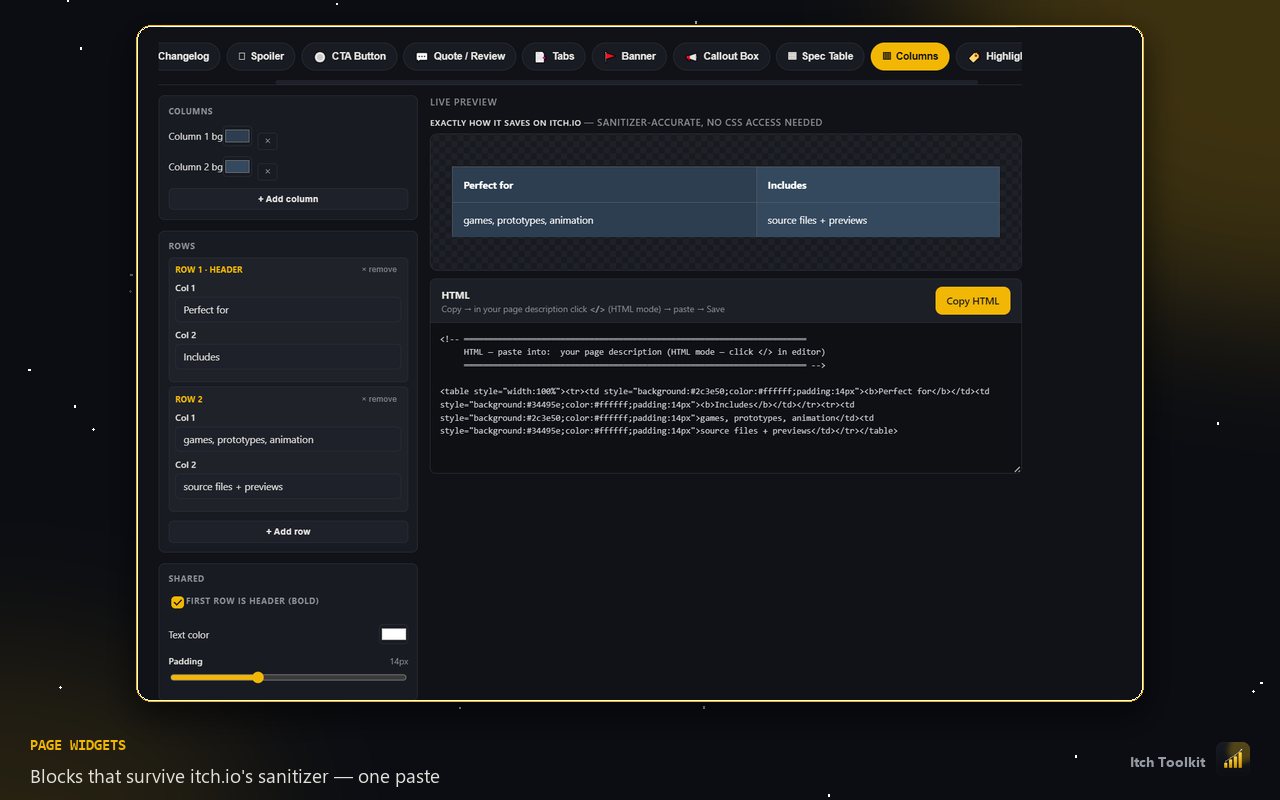
34 pasteable HTML blocks — hero headers, stat bands, featured-project cards, spec tables, roadmaps with status pills, FAQ accordions, terminals, tickers and more. Styled by your theme, tuned in the studio, and built to survive itch's sanitizer intact.
Banners, callouts, spec tables, columns, changelogs and more — generated to survive itch's HTML sanitizer, so the preview is what actually saves.
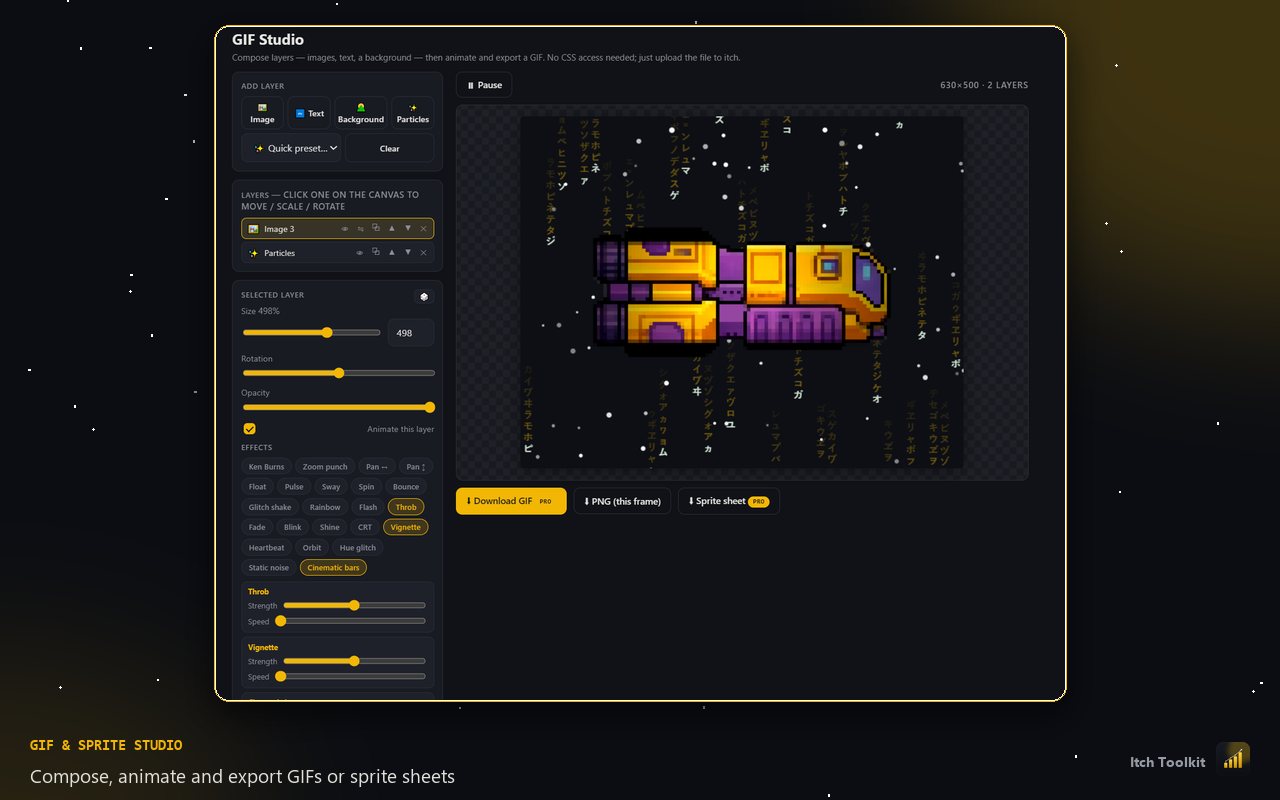
Compose layers, add particles and 23 effects, then export a GIF or an engine-ready sprite sheet. Eight export presets sized for itch covers, banners, X, Discord and Steam — with a target file size it actually hits. Editor free, export with Pro.
Customisable embed widgets with themes, animations and badges — for devlogs, jam pages, or anywhere you link your work.
itch's custom-CSS box is a tiny textarea. Toolkit adds a proper editor beside it — syntax highlighting, line numbers, format and minify, find, a live count against itch's 5,120-character cap, and a drawer of every image you've uploaded with its URL.
Choose which columns your project table shows, which rows the on-page panel displays, and flip itch.io's own dark mode from the popup. Your choices sync with your account.
No separate app, no dashboard to learn, no password handed over. It reads the pages you're already logged into and adds what's missing.
Revenue figures are blurred — everything else is the real thing, running on a real account.
The analytics dashboard — the part you'll open every day — is free with no time limit and no project cap.
No account cap, no trial timer
Billed $17.99 once a year
Billed securely by Paddle. Cancel anytime — see the refund policy.
No — and there's nowhere to type one. Toolkit works inside pages you're already logged into in your own browser, the same way you'd read them yourself.
Your analytics are processed locally in your browser and never uploaded. Only your account email and the settings you choose to sync are stored. Full details in the privacy policy.
No. Itch Toolkit is an independent tool built by a fellow itch.io creator, and is not endorsed by or affiliated with itch corp.
No. The analytics dashboard, funnel, traffic sources, leaderboard, core widgets and the GIF editor are free with no time limit. Pro adds the growth tools: alerts, tag research, indexing monitoring, AI suggestions and exports.
Yes, one click from your account. You keep Pro until the end of the period you paid for. Payments are handled by Paddle, our merchant of record.
Nothing you've already pasted into itch.io is affected — that CSS lives on your pages and is yours. You'd just lose the ability to copy new ones out of the studio.
Install it, open itch.io, and see the first thing you didn't know about your own projects — usually within a minute.
Add to Chrome — it's freeCopy your license key and paste it into the extension — open the Toolkit dashboard → Membership → Activate Pro.
We've also emailed it to you. Keep it safe — it's how the extension unlocks Pro.